
A wedding audio guestbook without hiring a telephone
Plan a wedding audio guestbook using guests' own phones. Includes a greeting script, 12 recording prompts, a quiet-corner checklist and Cassette details.
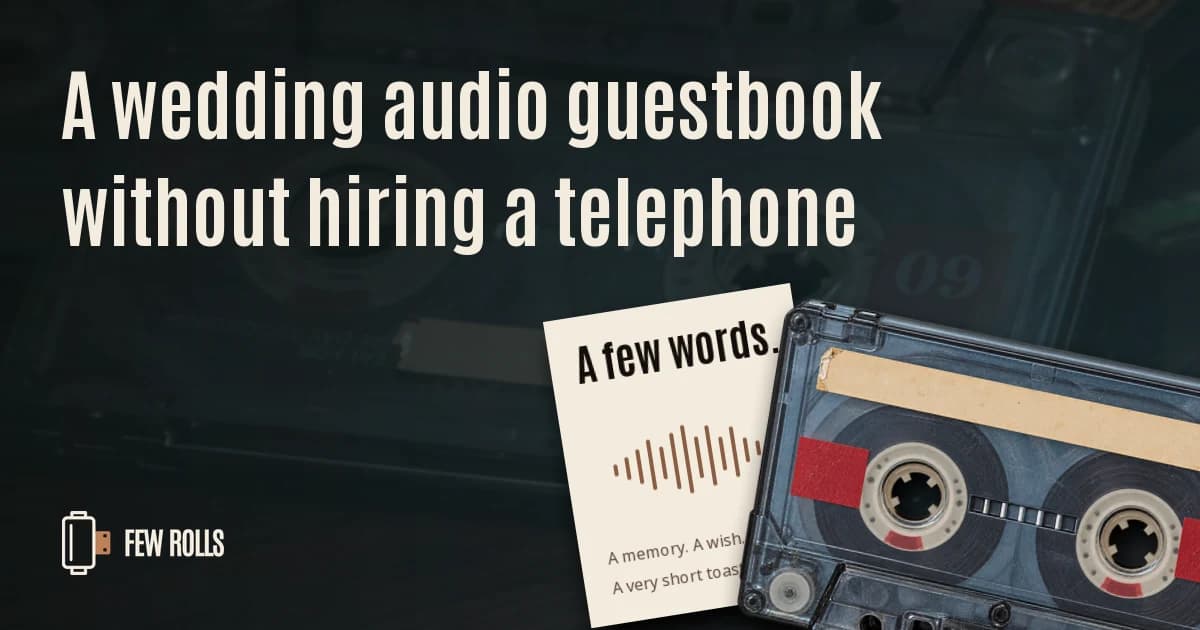
You can make a wedding audio guestbook without hiring a telephone by asking guests to record through a web link on their own phones. Give them a quiet place, one simple prompt and a clear explanation of who can listen. Test a recording before the wedding, then download the messages afterwards.
Cassette is Few Rolls' version: an optional voice guestbook attached to a photo event. It shares the photo invitation, so guests can leave a message without a second link or an app installation.
Choose a phone station or browser guestbook
A hired telephone gives guests a physical object and familiar action: pick up a receiver and speak. If the object is part of your vision for the room, ask suppliers about setup, recording limits, delivery, returns and final audio files. Details depend on the booking.
A browser guestbook uses the guest's own phone. There is no rented receiver to collect, but microphone permission, phone compatibility, connectivity and surrounding noise still matter.
Choose the ritual you want. A web link is convenient for a distributed group; it does not provide the physical presence of a vintage telephone.
What Cassette includes
Cassette costs €5 once per Few Rolls photo event, separately from guest capacity and MAX. Guests use the same invitation link or QR code as the camera. Only the host can listen.
The standard allowance is 60 seconds total per guest across up to three messages. With Cassette and MAX together, the host can choose up to three minutes per guest with no separate message-count limit. The default stays at 60 seconds until changed. MAX costs €15 separately and is not required for the standard allowance.
Download individual messages as WAV files or the collection in a ZIP. Check current pricing and allowances. Cassette is an add-on to a photo event rather than a standalone telephone hire or professional recording service.
Find a place people can speak naturally
Choose a quiet corner away from the DJ, bar queue and speakers. Offer a chair if someone might want to sit. An attractive sign cannot compensate for music drowning out the message.
Record from that spot at a representative music volume. Speak normally, then listen back. If people need to shout, move the sign or suggest recording during a quieter part of the event.
Print a readable invitation address as well as the QR code. Show a friend how to help someone open the guestbook and allow microphone access without doing the recording for them.
Copy this welcome message
Use this as sign copy or a spoken introduction. It does not assume an automatic greeting feature:
We'd love a little message in your own voice. Tell us your name if you'd like, then leave a memory, a wish or one piece of advice. It can be short. Only we can listen, and there's no need for a perfect speech.
Mention the one-minute total allowance if that is your setting. Avoid inviting long stories when guests have already spent most of their recording time.
For a smaller card, use the audio guestbook sign wording.
12 audio guestbook prompts
An easy start
- Where are you sitting, and what is happening around you?
- What detail of today would you like us to remember?
- Finish: “When I think of you two, I think of…”
- What should we do on our first anniversary?
A friend's story
- What small memory of us might we have forgotten?
- When did you first see us together?
- What ordinary habit makes us a good team?
- Tell the short version of a story we always laugh about.
Family and quieter moments
- What wish would you leave for our future home?
- Is there a family saying you would like us to keep?
- What made you feel welcomed by one of us?
- Leave a message for us to play on a difficult day.
Offer one or two prompts at the station rather than all twelve. A few words in someone's own language can be more meaningful than a rehearsed speech. Joining is optional; a written card is a good alternative for someone who does not want to record.
Test the exact recording path
Make a test event and try the phones and browsers your family uses:
- Open the guest invitation without the host account.
- Allow the microphone and record a spoken sentence.
- Confirm the message finishes sending.
- Listen from the host collection for clear, audible speech.
- Download a sample WAV and play it on another device.
- Try recovering from a denied microphone permission.
If recording fails inside a messaging app, try the phone's main browser and allow the microphone there. Device behaviour varies. A test on one phone does not prove every other one will work. For silent recordings, change browser or device and test again before relying on it for guests.
Keep voices private and save the files
Tell guests that Cassette recordings are for the host. Ask before putting a private message in a public wedding film or social post. An event invitation and permission to publish someone's voice are different decisions.
Online storage follows the photos: two calendar months as standard, or six with MAX, from the later of camera close and scheduled photo reveal. Check the app's exact deadline. Download, keep a backup and play a sample of your saved files.
Create your photo event, add Cassette if it fits, and test a recording somewhere quiet. A familiar laugh or short toast does not need to be a perfect speech to be worth keeping.